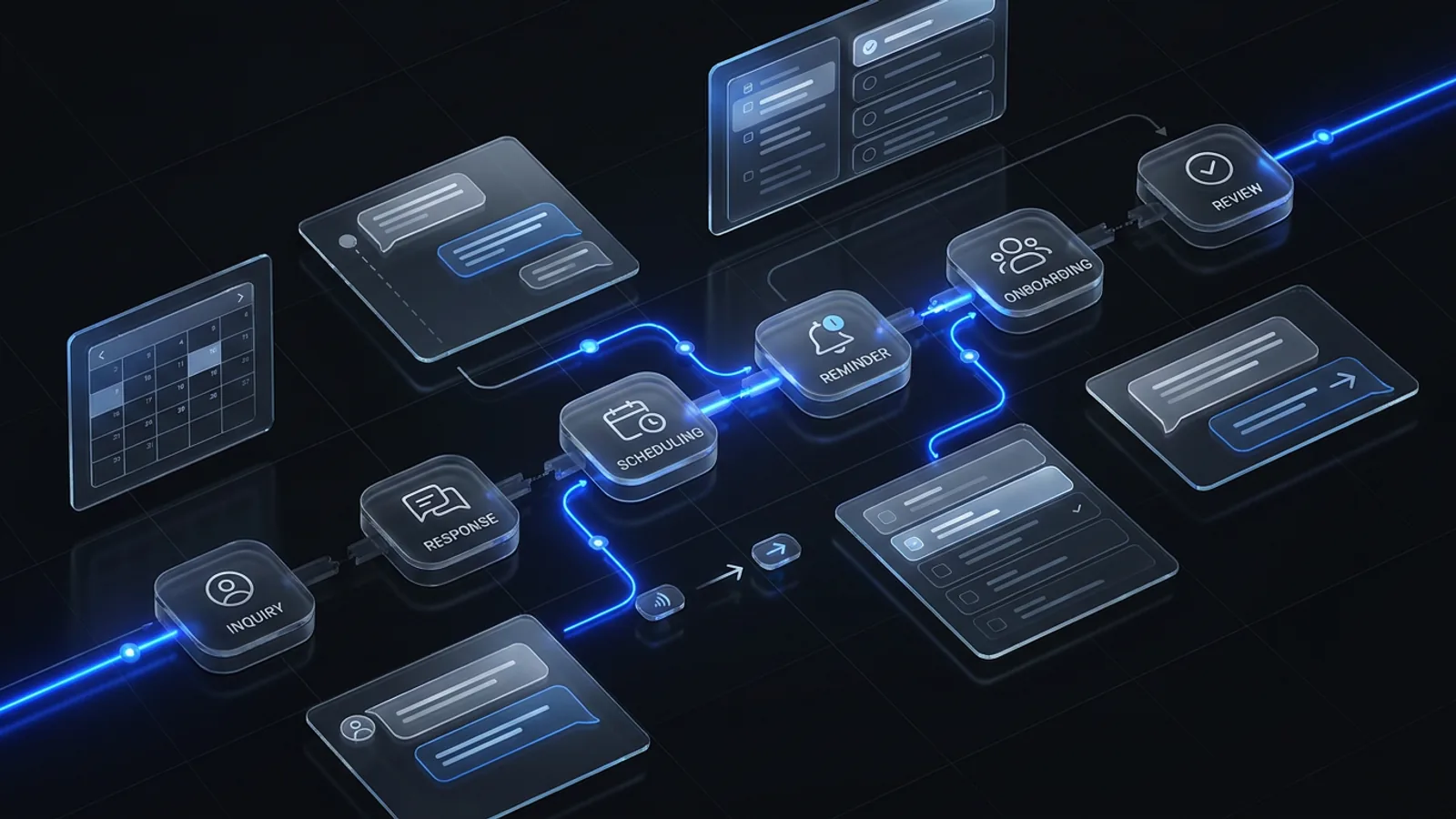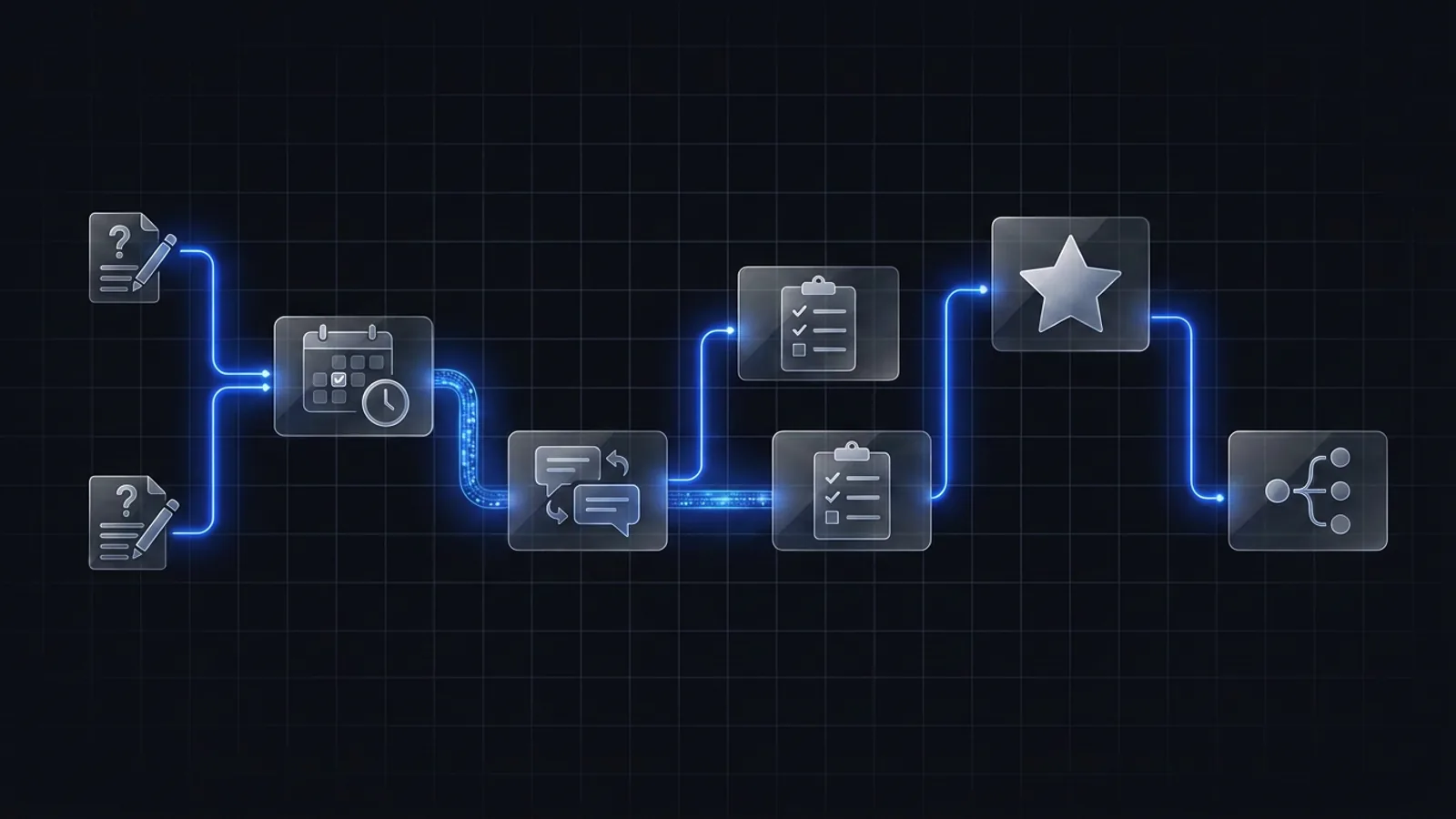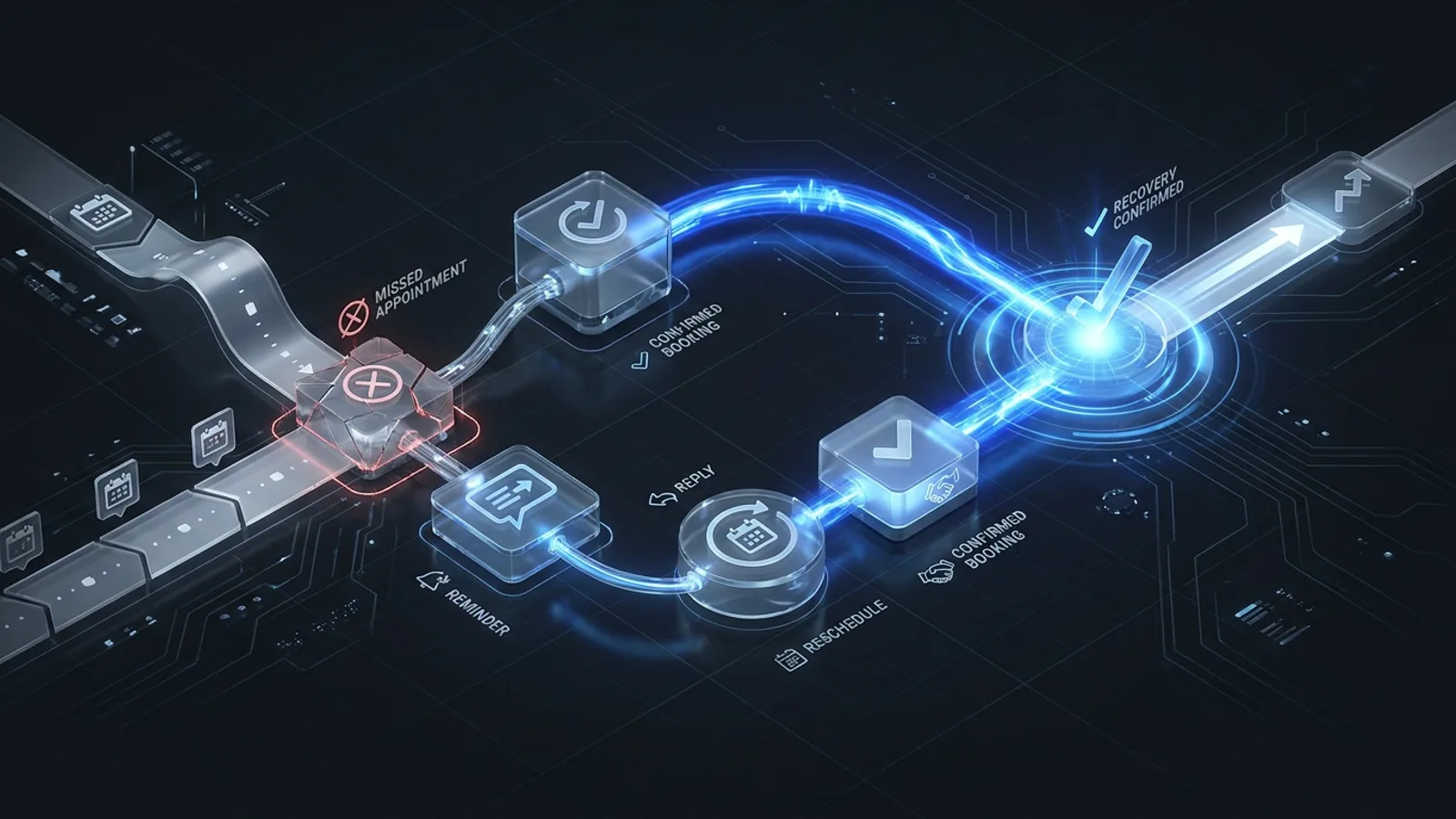
A no-show recovery workflow should confirm the missed appointment, update the pipeline, send a respectful rebooking message, create an owned task when needed, run a limited reminder sequence, and stop as soon as the person rebooks, opts out, becomes ineligible, or needs a different path.
A no-show is not only a calendar outcome. It is a decision point in the patient journey. If the clinic simply marks the appointment as missed, the next action depends on a staff member noticing and deciding what to do.
A recovery workflow makes that next action consistent. It should reduce manual searching and give the prospective patient one clear way forward without creating pressure or an endless message sequence.
The five-step recovery workflow
- Confirm the no-show statusStart only after the appointment platform or team reliably marks the consultation as missed. Avoid triggering recovery from an ambiguous status.
- Send a timely recovery messageAcknowledge the missed appointment, keep the tone neutral, and offer a simple way to rebook or reply.
- Create an owned follow-up taskAssign a team member when the inquiry has context that should not be handled by a generic sequence.
- Use a limited follow-up sequenceSend a small number of useful reminders over a defined window. Each message should serve a distinct purpose.
- Close or reroute the recordStop when the person rebooks, opts out, becomes ineligible, or needs a different conversation.
What the recovery message needs
The first message does not need a long explanation. It needs four elements:
- A neutral acknowledgment that the consultation was missed.
- A clear statement that rescheduling is available.
- One primary rebooking action or reply option.
- A way to ask for help if the available times do not work.
Keep operational messages separate from clinical advice. The goal is to restore the scheduling path, not continue the consultation through an automated channel.
Build the right branches
| Outcome | Next system action | Owner visibility |
|---|---|---|
| Rebooked | Stop recovery, confirm new appointment, start normal reminders | Show the new consultation date |
| Replied with a question | Pause automated messages | Create or retain an owned conversation task |
| No response | Continue the limited sequence, then close or nurture as defined | Show the final status and last action |
| Opted out | Stop applicable messages immediately | Record the preference in the appropriate system |
| Repeated no-show | Stop the standard path | Route for practice-specific review |
The workflow is only complete when the team can see failures and unusual cases. A broken calendar update, duplicate contact, conflicting appointment status, or direct reply should not disappear inside the automation.
Choose timing from the clinic workflow
There is no universal send schedule. Timing should account for how quickly the clinic confirms a no-show, when staff are available, the type of consultation, the channels a person agreed to use, and any practice policies.
Document the timing as an operating rule. For example: confirm the status first, send the initial recovery message within the clinic’s chosen window, create a task for high-context cases, and close the standard sequence after the defined attempts.
Test before launch
Run the workflow with at least these scenarios:
- A normal no-show that rebooks from the first message.
- A person who replies instead of using the calendar.
- A person who opts out.
- A cancelled appointment that must not enter no-show recovery.
- A duplicate record with two appointment statuses.
- A calendar or connector failure.
Then verify the patient-facing message, internal status, owner task, stop condition, and booking confirmation for each case.
Frequently asked questions
What is a no-show recovery workflow?
It is a defined sequence that updates the missed appointment status, sends a respectful rebooking message, assigns follow-up when needed, and stops when the person rebooks, opts out, or moves to another outcome.
When should a clinic send a no-show message?
Send it after the clinic has reliably confirmed that the consultation was missed. The timing should fit the practice’s schedule, communication policy, consent, and staff workflow.
Should no-show recovery be fully automated?
The repeatable status, first message, and basic reminders can be automated, but the workflow should create a human exception for complex inquiries, repeated no-shows, special circumstances, or unclear records.

Aaron has worked with functional medicine practices since 2021, has specialized in GoHighLevel systems since 2020, and is a Biocanic integration partner.